Players
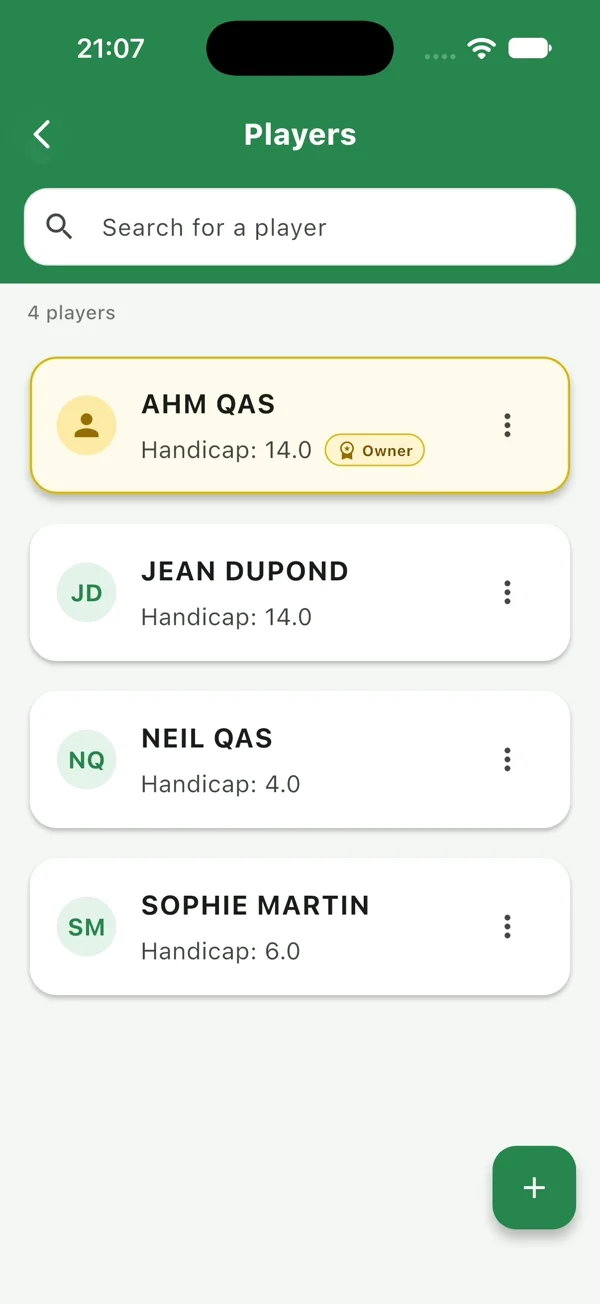
Your playing partners, ready to go
Add, find and manage your players with ease.
QasGolfPro brings your golf scorecard, courses, satellite GPS and statistics together on iPhone. Record each hole, choose your game format and keep your rounds ready to review and share.
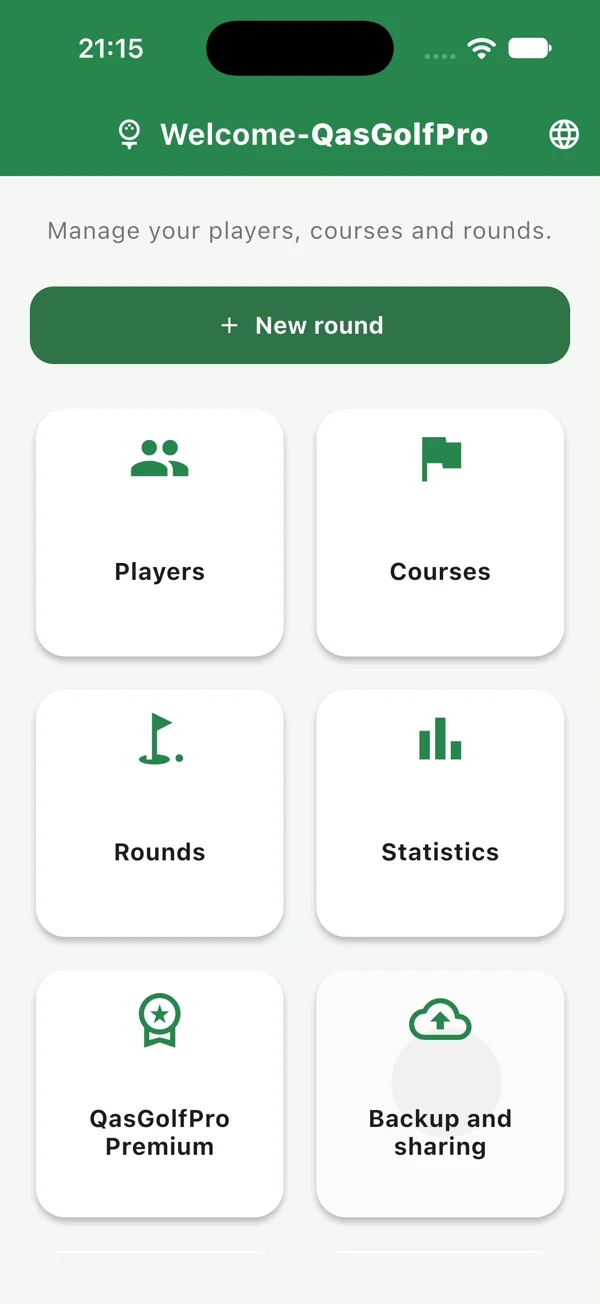
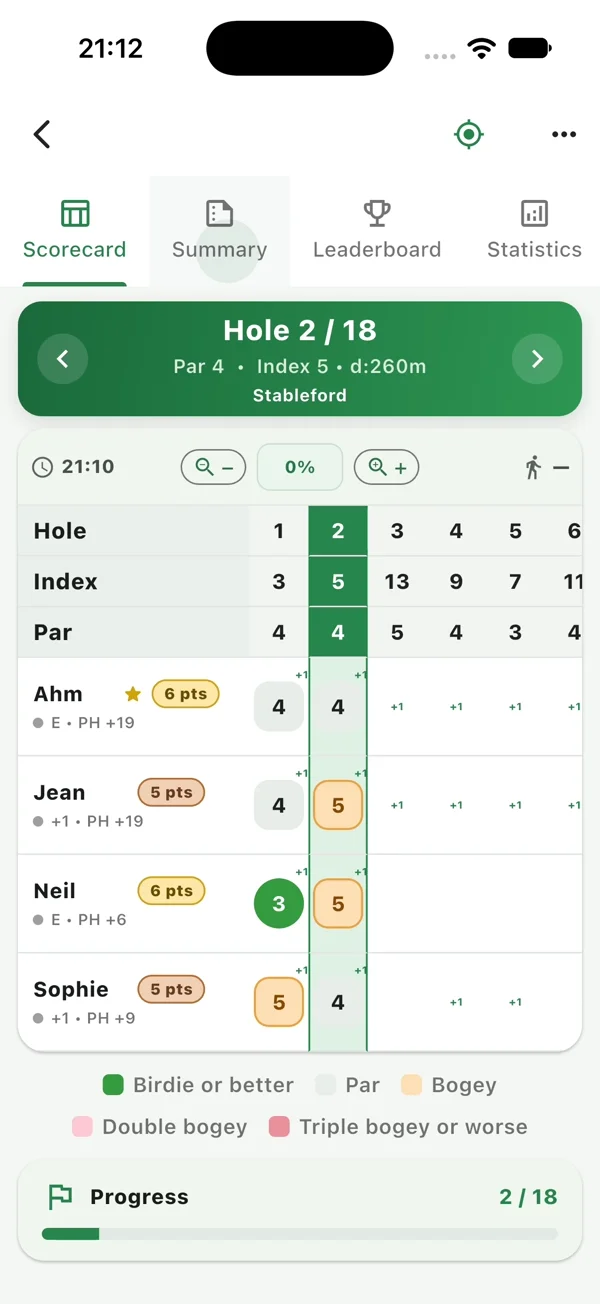
Meet your playing partners, choose a course, start a round and enter scores. Explore Golf GPS, results, statistics, backup and sharing.
Watch the English walkthrough with a natural, relaxed voiceover — filmed in the app on iPhone.
Explore the main features of QasGolfPro.
Add, find and manage your players with ease.
Browse courses by country, with the details you need.
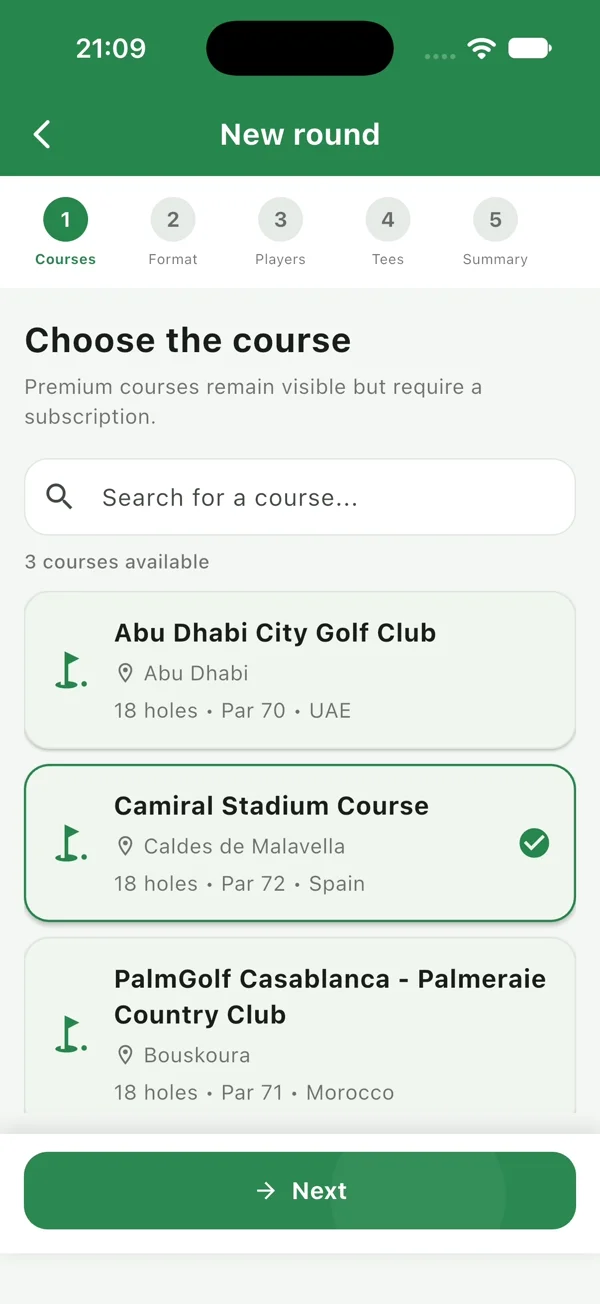
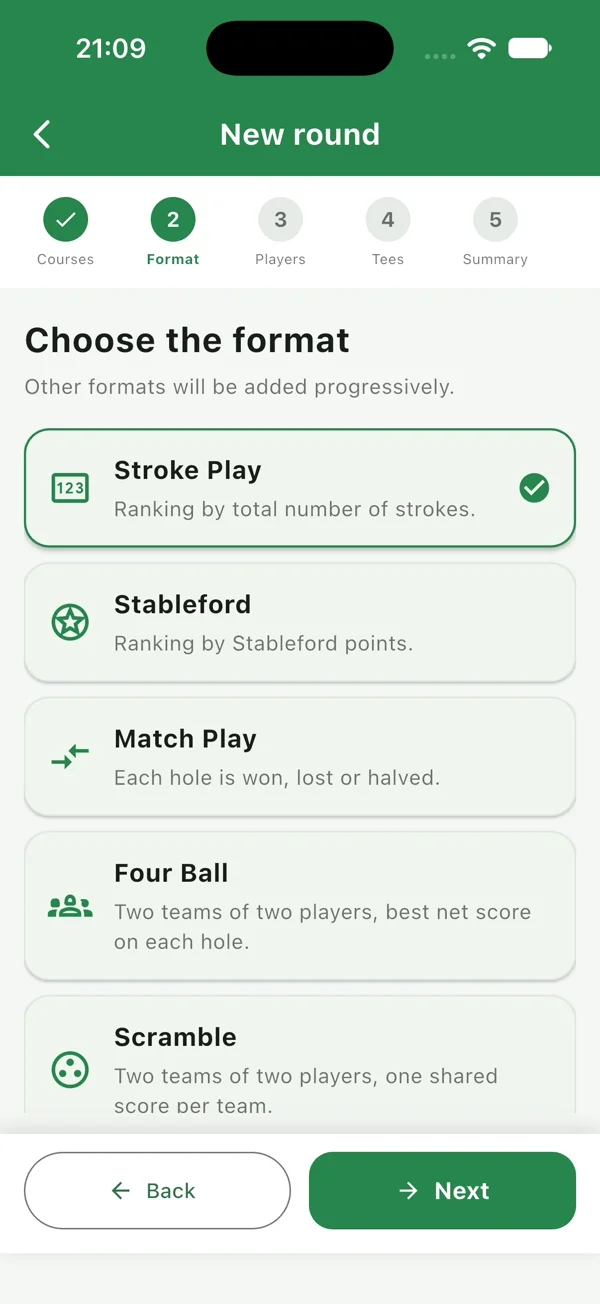
Stroke Play, Stableford, Match Play, Four Ball, Scramble and more.
Follow your round hole by hole and stay focused on your game.
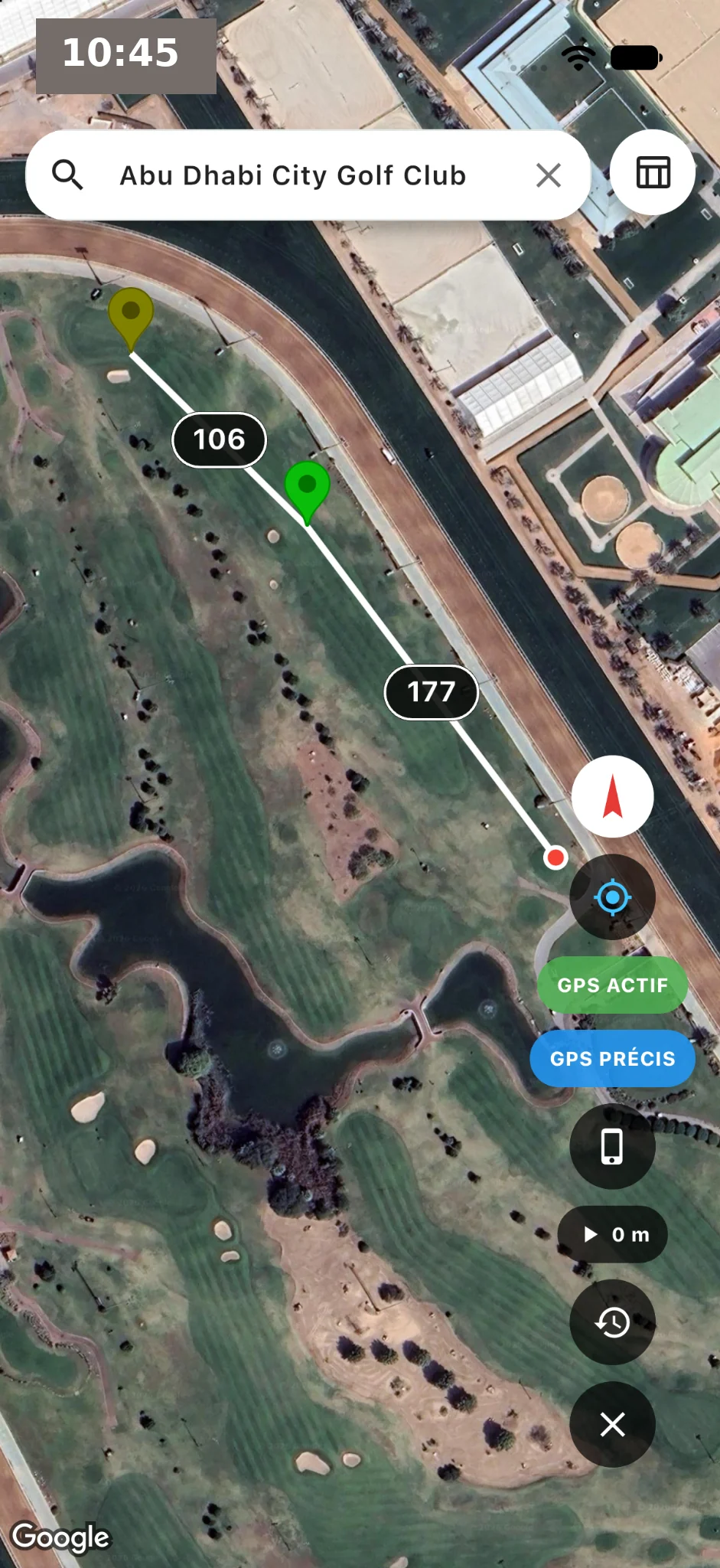
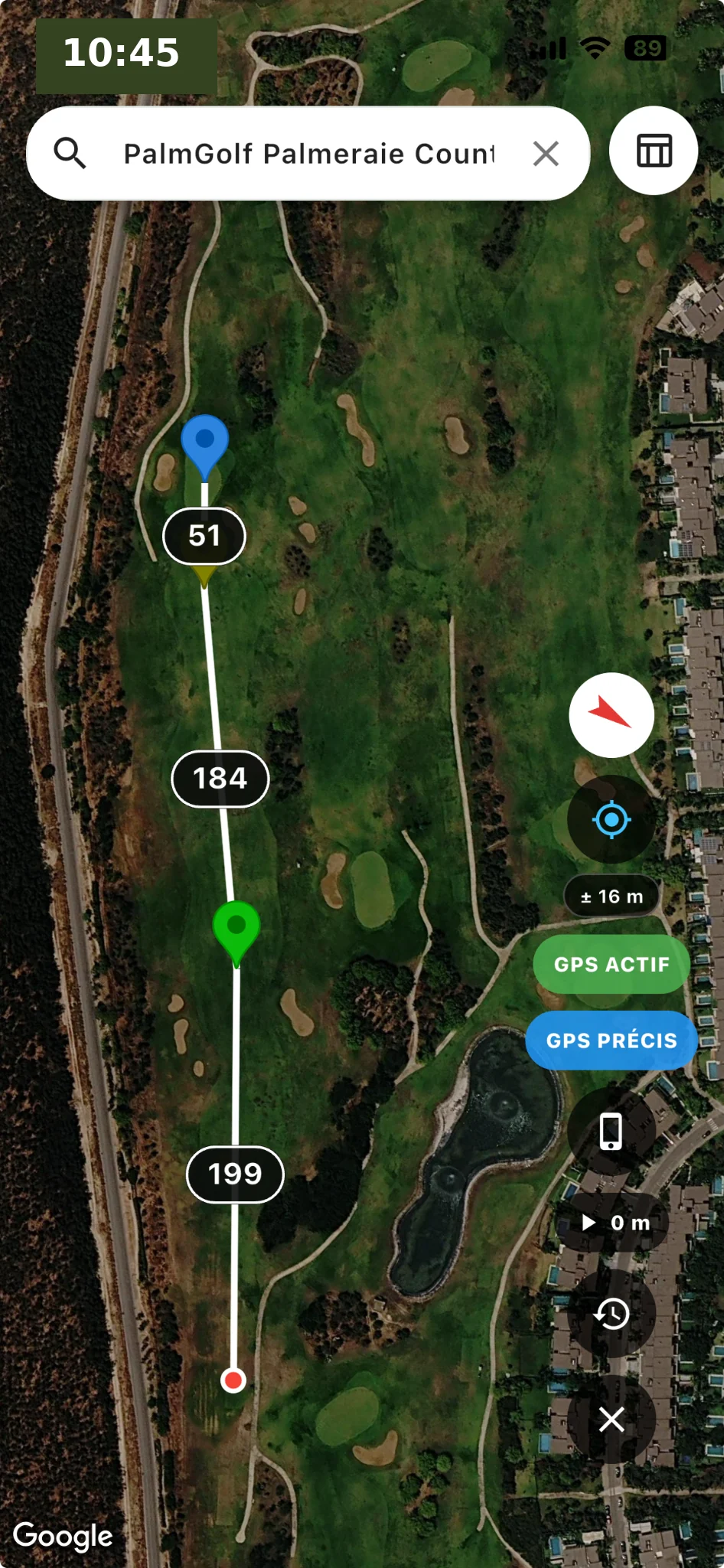
See the course from above, locate your position and check distance markers during your round.
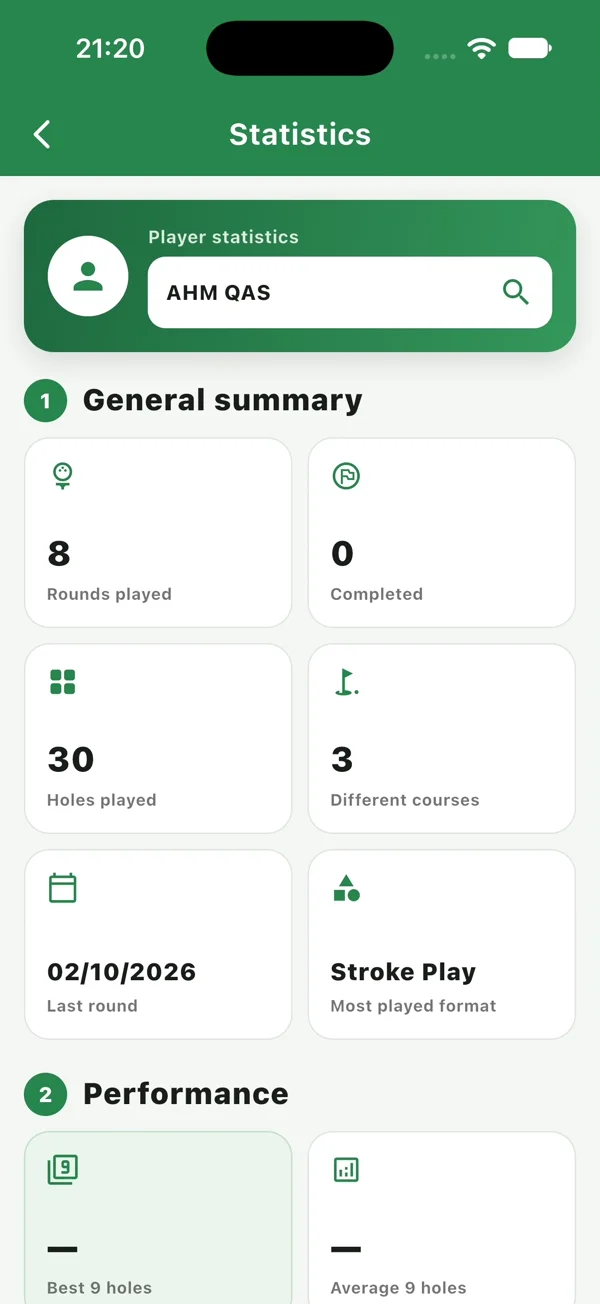
Review your scores, performance and progress.
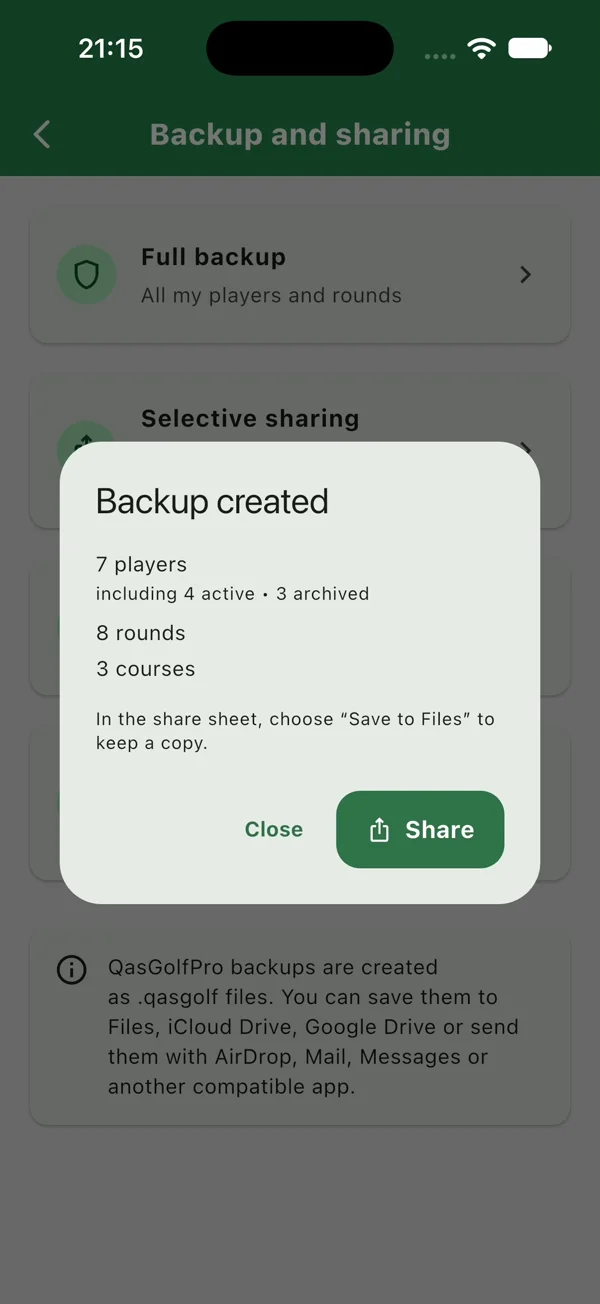
Back up, restore and share your rounds.
Review your round history, explore charts and filter your statistics with the advanced tools in QasGolfPro Premium.
Explore the full brochure for a closer look at QasGolfPro. The PDF is currently available in French.
Download the app and keep your golf essentials close at hand.
Download onAdd your playing partners, choose a course, create a round and select a game format. Then enter your scores hole by hole. The video above walks through these steps.
QasGolfPro includes Stroke Play, Stableford, Match Play, Four Ball and Scramble. Choose the format when creating your round.
The GPS feature displays a satellite view, your position and distance markers. Open the GPS examples to see how the course is displayed.
QasGolfPro includes backup, restore and sharing tools. The walkthrough shows backup and AirDrop, as well as round results and statistics.
Yes. The application supports French and English. You can also switch the website language with the FR and EN buttons.